

Get Client Approvals Without Chasing Them
Clients review your selections and approve entire stages with a single click. You see approval status across all projects from your dashboard — no more wondering which stages are waiting for client sign-off.
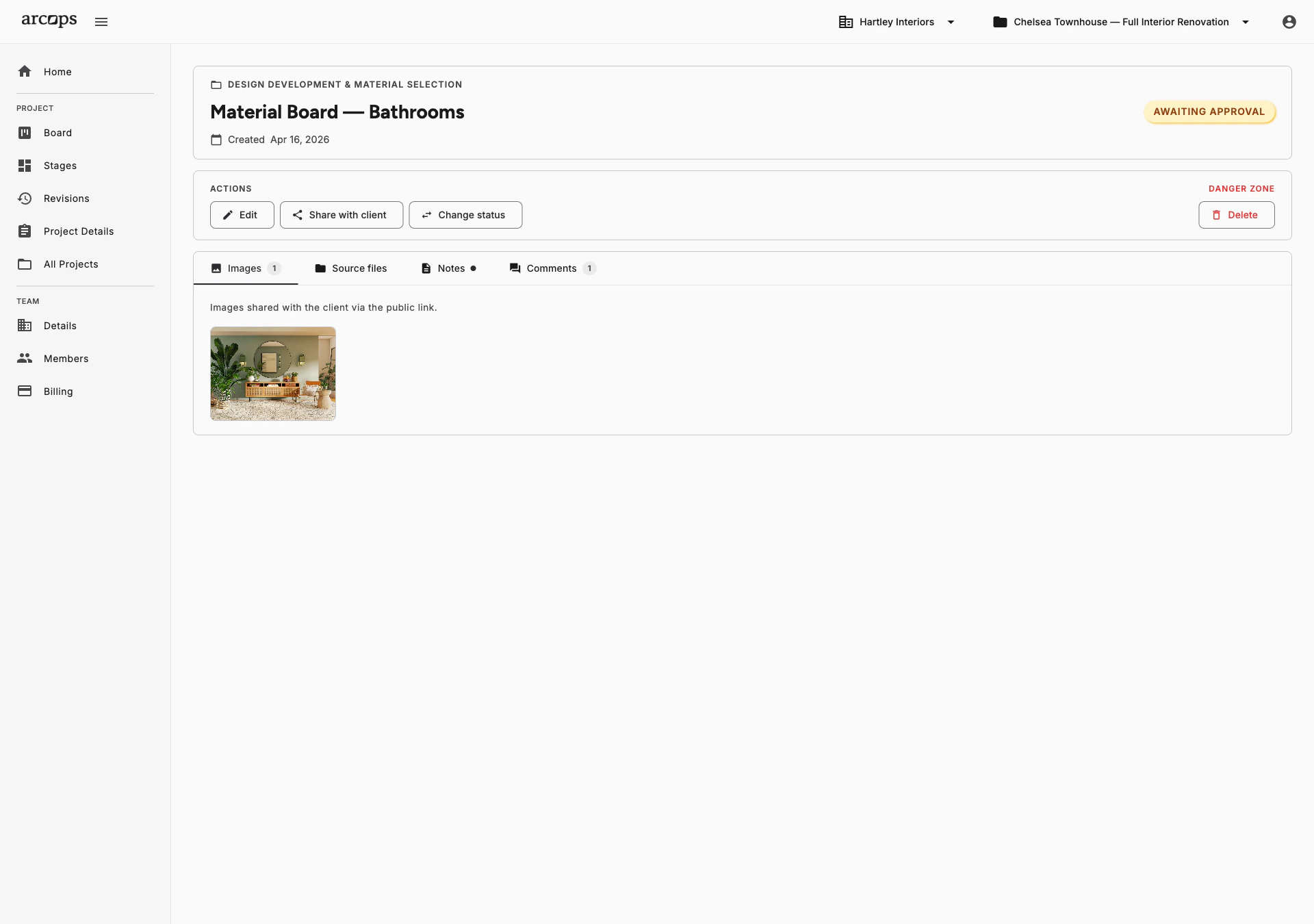
After reviewing products and leaving feedback, clients approve the entire stage with one click. Clear, unambiguous confirmation that your selections are approved and you can proceed.
See approval status across all projects from one view. Pending, Approved, or Revision Requested — know exactly where every project stands without asking.
When clients request revisions, specific items are flagged. You know exactly what needs changing — not just “client wants changes” but which products and what feedback.
Clear, Timestamped Approvals You Can Reference Later
How many times has a client said “yes” in a WhatsApp message and later claimed they never approved? ArcOps approval is clear and timestamped — the client clicked “Approve” on a specific stage at a specific time.
Every approval is logged with the date, time, and the exact selections that were approved. If questions arise later, you have a clear reference point for what was agreed upon.
Back to Client Collaboration →0 click
For clients to approve an entire stage
0%
Traceability — every approval is timestamped and logged
0
Approvals lost in WhatsApp or email threads
Revision Requests Come Back With the Feedback Attached
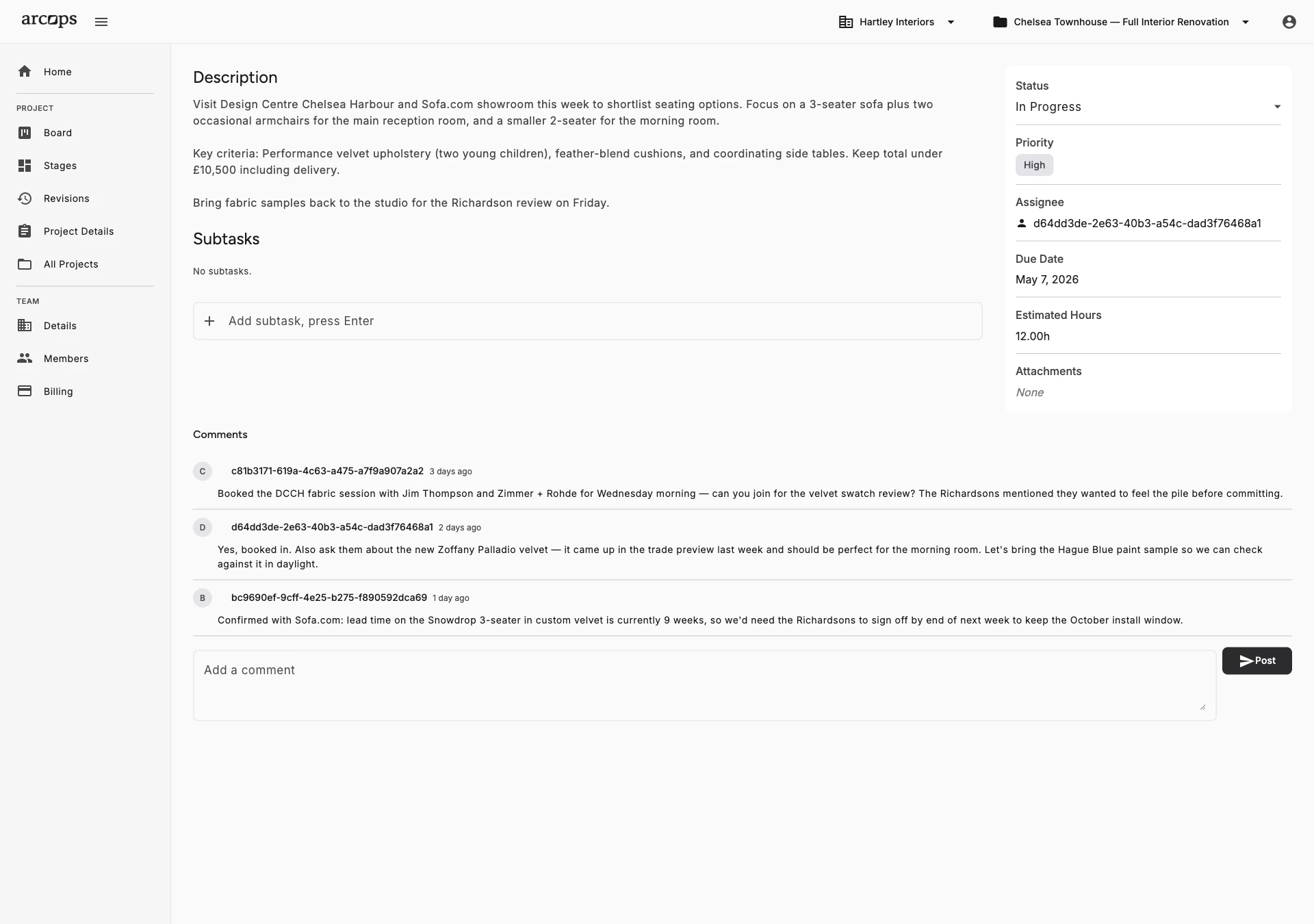
When a client requests changes, specific products are flagged with their feedback attached
Every comment stays on the revision, so your team sees exactly what to change and why before opening a task for it
Once revisions are complete, share the updated stage for re-approval with one click
Frequently Asked Questions
After reviewing all products in a shared stage, clients click “Approve” to confirm the selections. The approval is logged with a timestamp. If they want changes, they flag specific products with revision requests.
Clients can leave feedback on individual products (approve, request change) and then approve the overall stage. This gives you granular feedback while maintaining a clear stage-level approval.
The revision moves to Denied and the client's comments stay attached to it, so your team sees exactly what to change and why. You open the tasks you need on your Kanban board, then share the updated revision for re-approval.
Yes. Every approval includes a timestamp and the exact selections that were approved. This creates a clear audit trail you can reference if questions arise later.
Communication about changes happens through your normal client relationship. In ArcOps, you can re-share an updated stage for fresh approval at any time. The approval history is preserved.