

Share Design Stages and Get Client Approvals in Minutes
Share any project stage with clients via a unique link. They review your selections, leave feedback on individual items, and approve — without creating an account or installing anything.
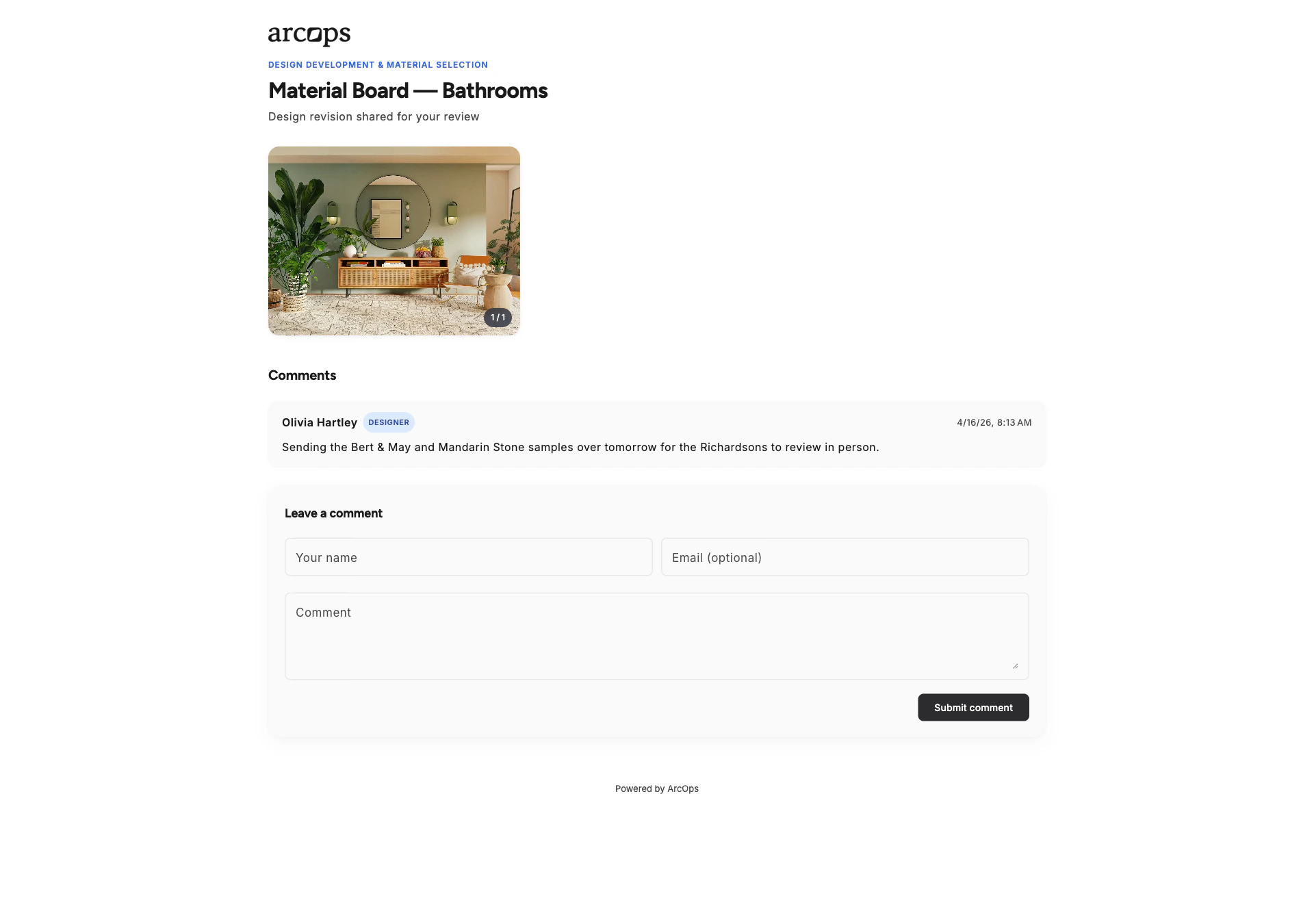
Generate a unique URL for any project stage. Share via email, WhatsApp, or any messenger. Turn the link off at any time and it stops working immediately.
Clients can comment on revisions within a stage. Each revision tracks changes, client notes, and approval status. No more scattered WhatsApp messages — all feedback is organized and auditable.
Clients review and approve entire stages with one click. Track which stages are approved and which need revisions across all your projects.
How Stage Sharing Works
Mark any stage as ready to share and generate a unique URL. Send the link to your client via email, WhatsApp, or any channel they prefer — and revoke it whenever you want.
Your client sees a polished presentation of your stage — not your internal task boards. They browse the work, leave comments, and approve revisions. Every change is tracked with a full audit trail.
Explore Team Management →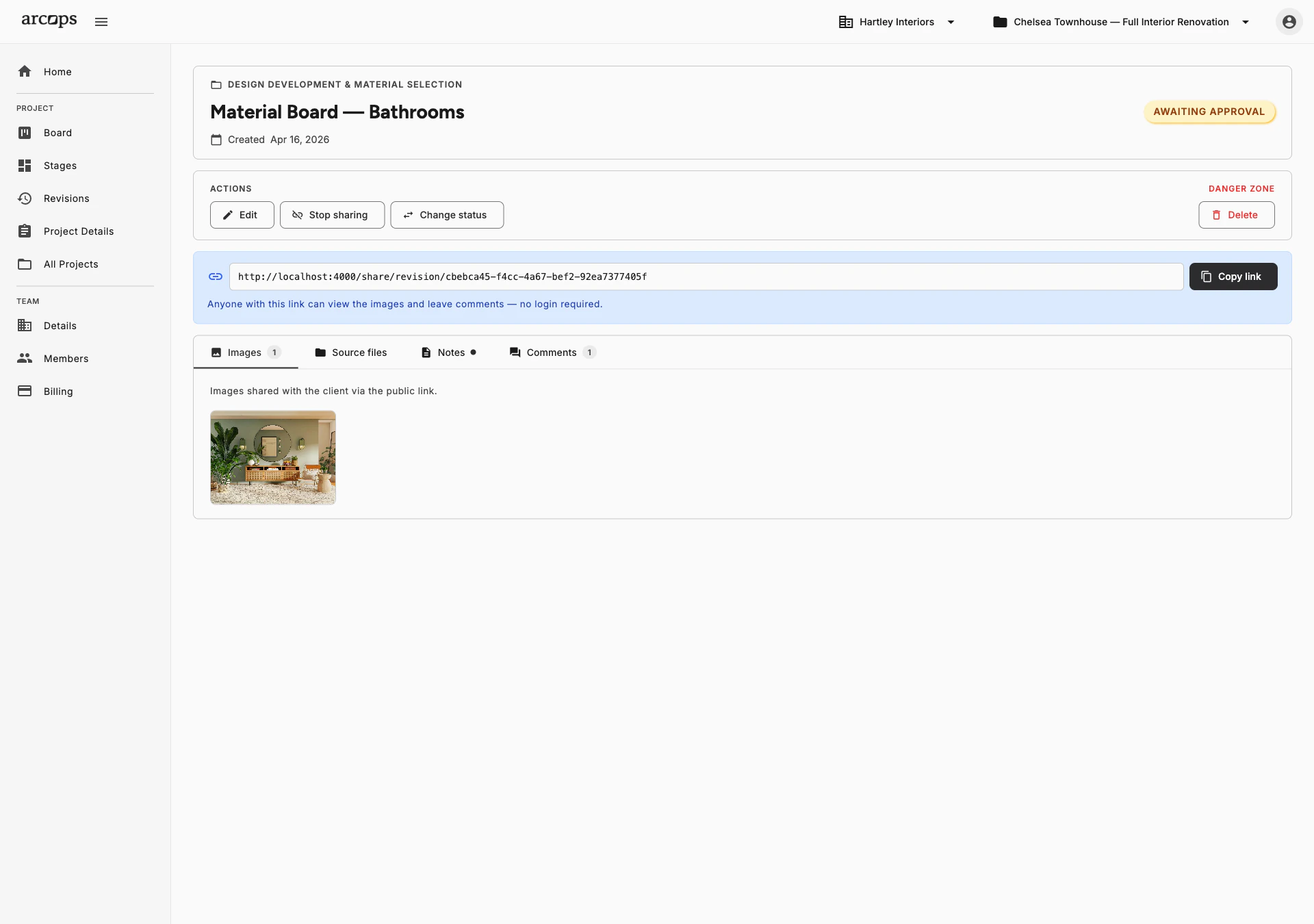
0 click
To share any completed stage with your client
0
Accounts needed — clients view and approve via a simple link
0
Revision statuses — New, Awaiting Approval, Approved, Denied, Archived — so your team always knows where a stage stands
Every Revision Tracked, Every Approval Timestamped
Every revision has a status — New, In Review, Approved, or Rejected. Your team always knows where client approval stands
Track approval status across all projects from your dashboard
Clients leave feedback directly on revisions — images, notes, and files all in one auditable thread
Frequently Asked Questions
Clients receive a unique URL that opens directly in their browser. They see a polished presentation of your selections with images, descriptions, and notes. No download or installation required.
No. Clients view and interact with shared stages without any account. They can review your work, leave comments, and approve — all through a simple browser link.
Anyone you send it to. The URL carries a long random token that cannot be guessed, and shared stages are excluded from search engines. You can disable sharing at any moment — the link stops working immediately, and re-enabling it issues a brand-new URL.
Each item in a shared stage has a comment section. Clients can approve individual items, request alternatives, or leave specific notes. All feedback syncs back to your project automatically.
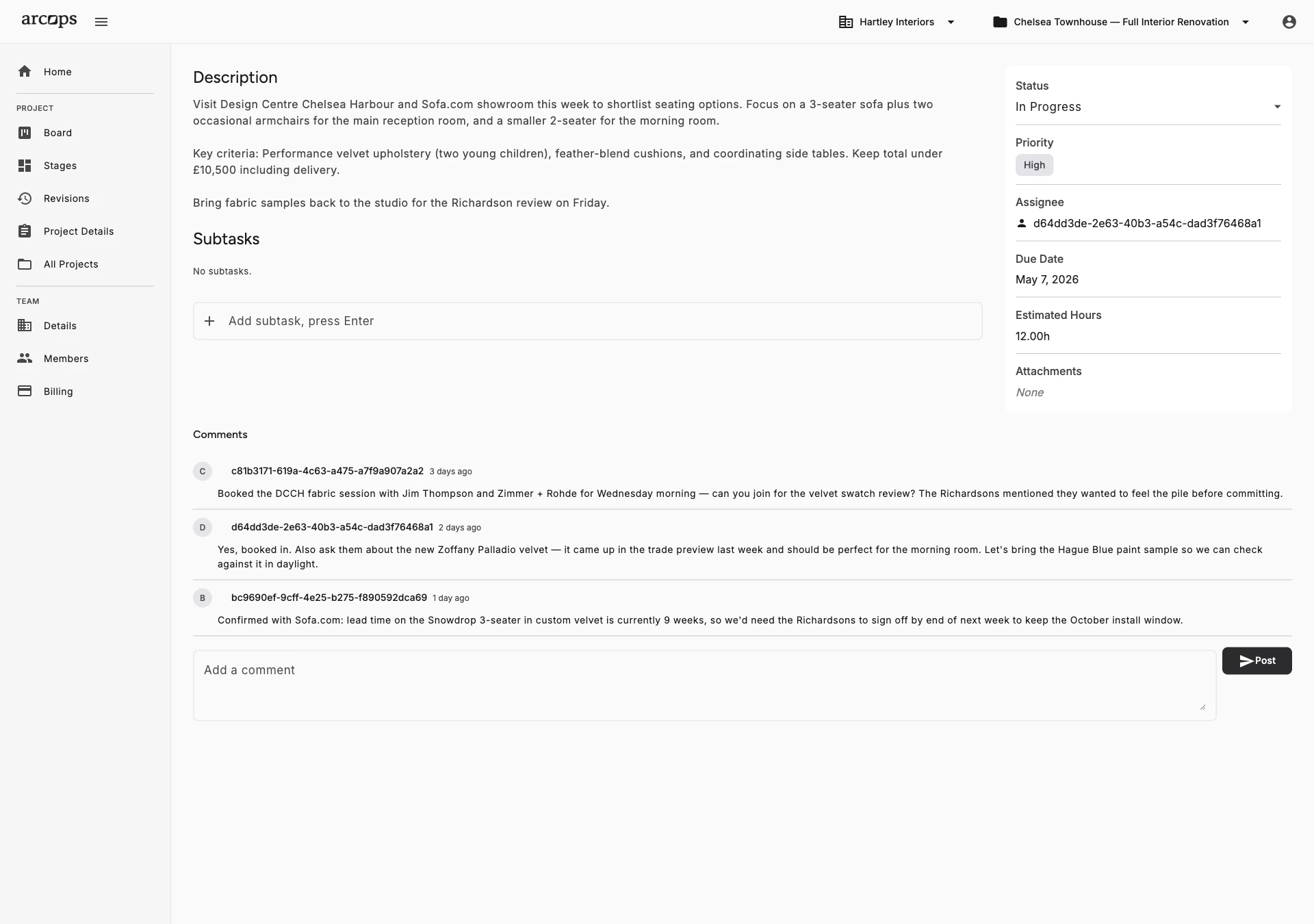
Absolutely. You choose which stages to share and when. Clients only see the polished presentations you share — never your internal task boards, notes, or cost breakdowns.