

Coordinate Your Interior Design Studio Team From One Place
Invite your team with a single link. Everyone joins the workspace instantly and sees all projects, stages, and tasks. Built for European design studios and architecture firms.
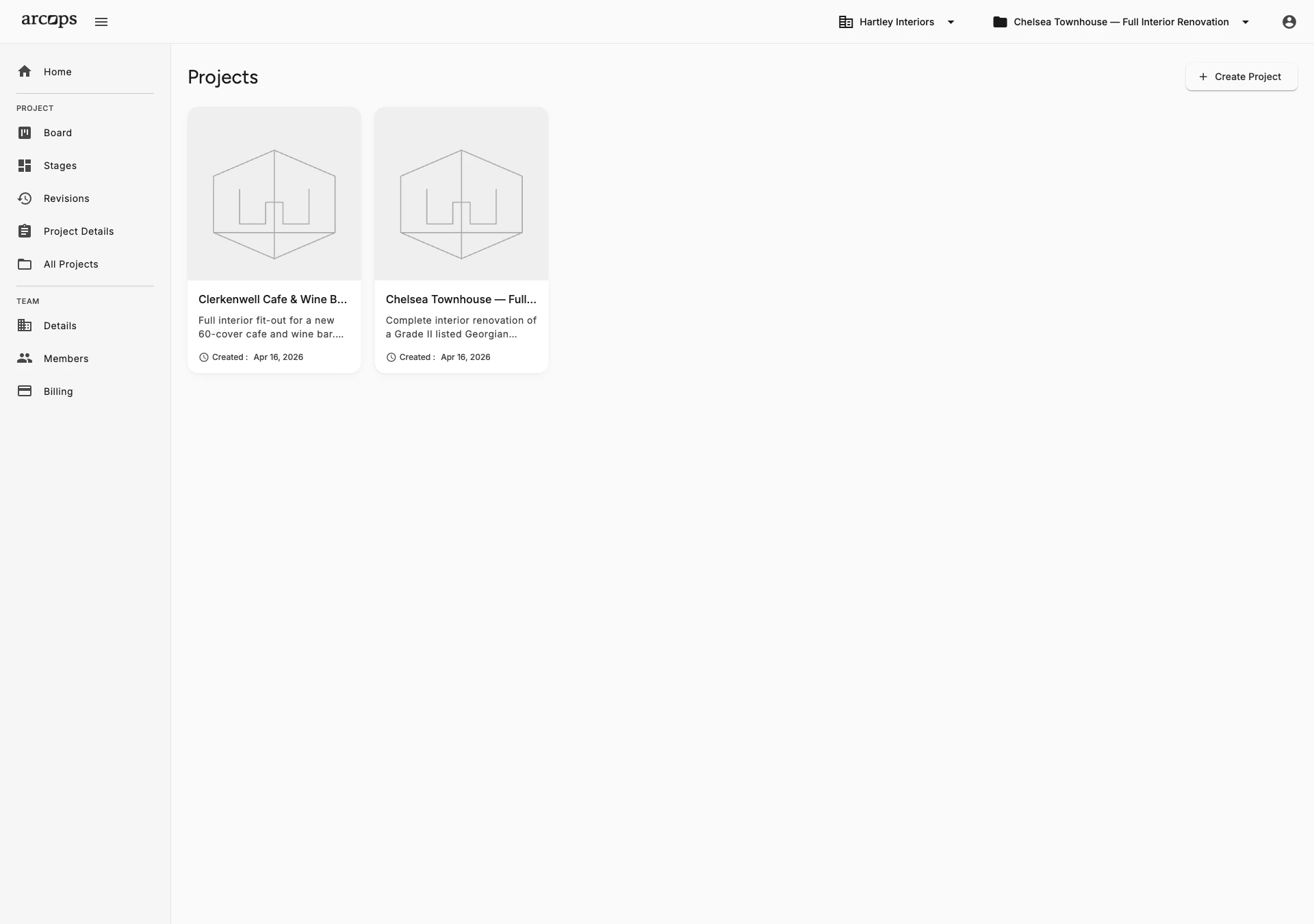
Invite colleagues with a single link. Everyone joins the workspace instantly and sees all projects, tasks, and stages. No setup, no configuration, no waiting.
Team-wide product collections let the whole team benefit the moment one designer finds a great supplier — eliminating duplicate sourcing effort across your studio.
See all active projects across your team in one view. Track which stages need attention, who's working on what, and where projects stand.
Everyone on the Same Page From Day One
Invite your team with a single link — they join the workspace instantly and see all projects, stages, and tasks. No complex setup, no role configuration, no permissions to manage. Your whole team starts collaborating from day one.
Assign tasks to specific team members, track who is working on what, and see progress across all projects from a shared dashboard. When your team grows, ArcOps grows with it — add new members in seconds.
Explore Product Sourcing →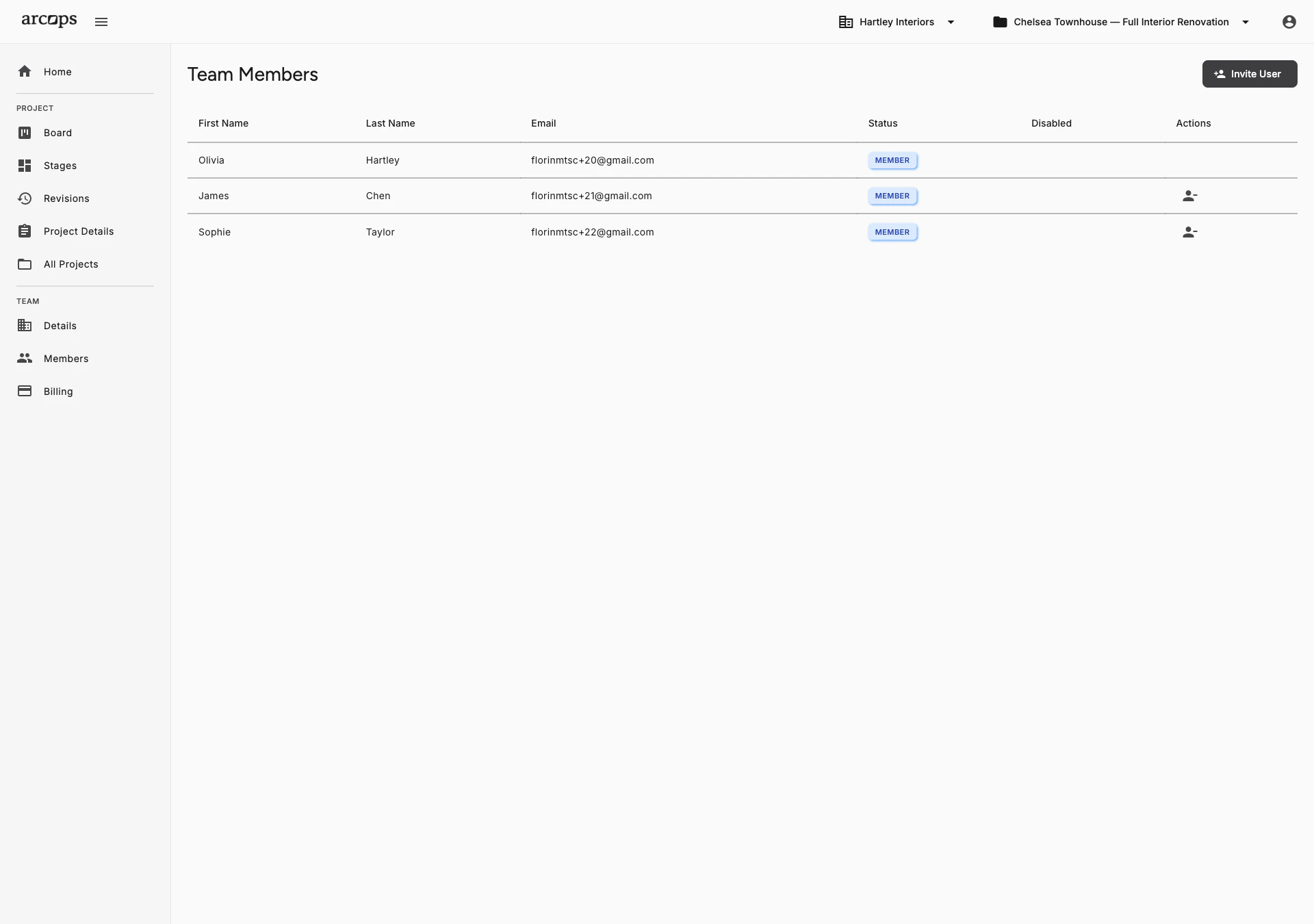
0
Click to invite any colleague to your studio workspace — they see everything instantly
0 click
To invite team members to your studio workspace
0%
Unlimited — the Studio plan has no cap on projects or team size
Team Members Collaborate on Tasks, Stages, and Client Presentations
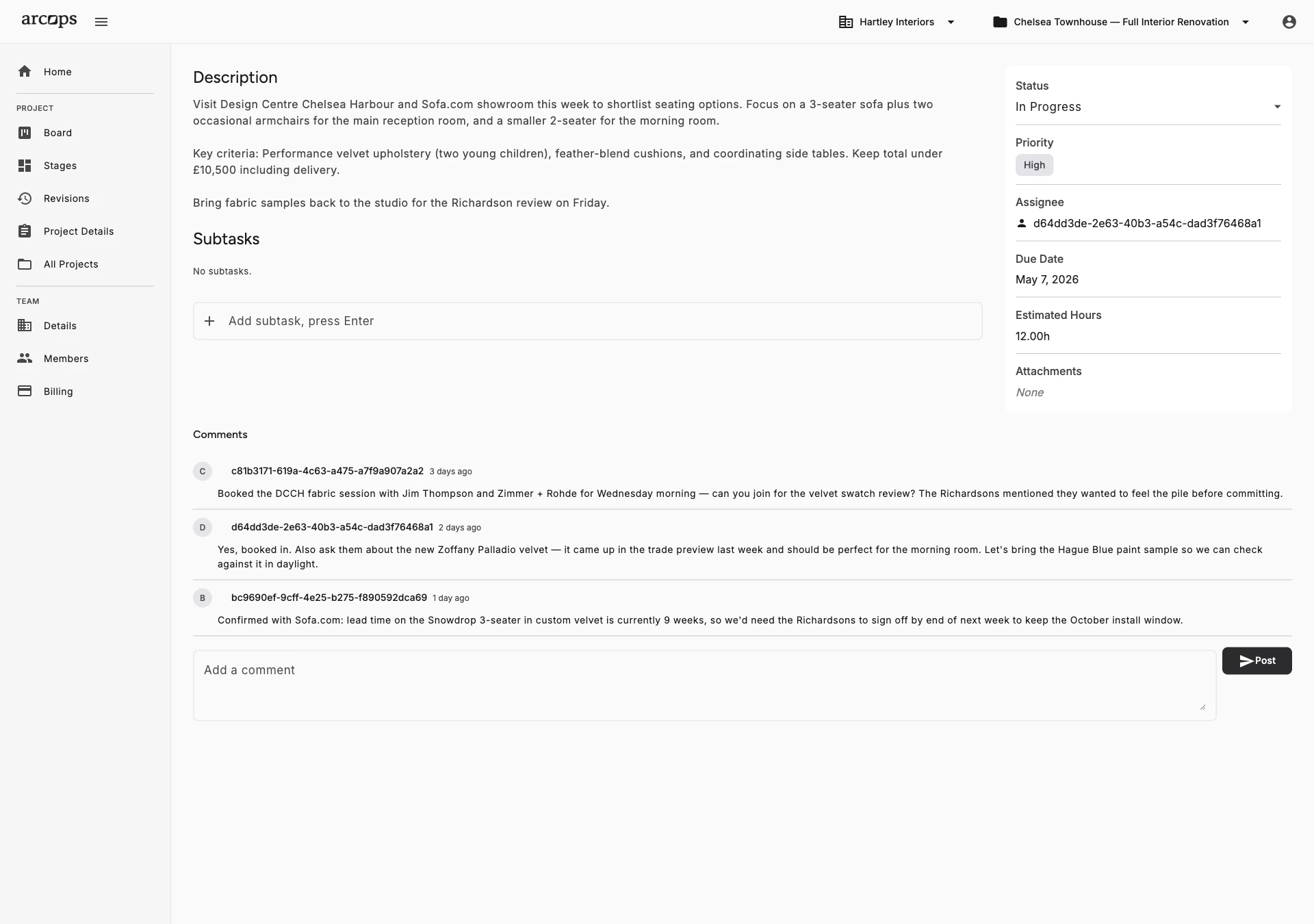
Assign team members to specific projects and stages — everyone knows their responsibilities
Shared project context means every team member works from the same information
Coordinate client presentations so your team can prepare stages together before sharing
Frequently Asked Questions
Send an invitation link via email. Your colleague clicks the link, creates an account (or signs in), and joins your studio workspace instantly. They see all projects, stages, and tasks from the moment they join.
Yes. Every team member can browse, contribute to, and use the team’s shared product collections. When one designer finds a great supplier, the whole team benefits — eliminating duplicate sourcing effort across your studio.
The Free plan supports 1 team member. The Studio plan has no team size limit — every employee gets a licence, billed per employee, and your subscription adjusts automatically as people join or leave.
Yes. Within any project stage, tasks can be assigned to specific team members. They see their assignments in their personal dashboard. In-app and email notifications are planned for Q1 2027.
ArcOps is built for interior design studios and architecture firms from solo freelancers to 50-person teams. The Free plan lets you get started solo. Studio has no team size limit — simple per-seat pricing that scales with your studio.