

See Every Project Across Your Studio in One View
Your dashboard shows all active projects with their current stages, team assignments, and progress. Identify which projects need attention, who is working on what, and where bottlenecks are forming — all from a single screen.
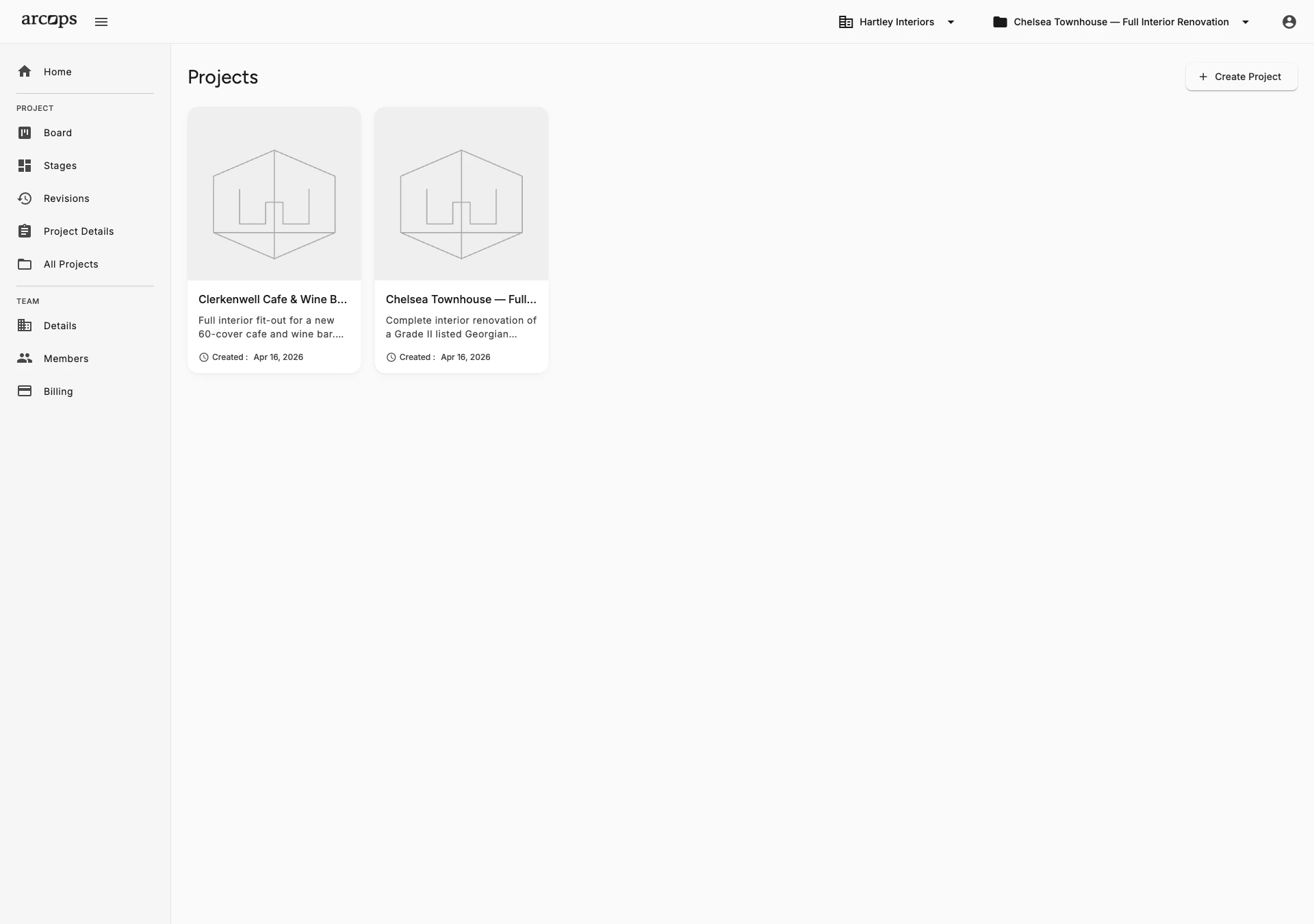
See every active project with its current stage, assigned team members, and overall progress. Color-coded status indicators highlight projects that need immediate attention.
See what each team member is working on across all projects. Identify overloaded designers before deadlines slip. Balance workload by reassigning tasks.
Track which stages are active, completed, or waiting for client approval across all projects. Spot bottlenecks — like three projects stuck in “Waiting for Approval” — before they cause delays.
Stop Asking “Where Are We on That Project?”
Studio owners and managers spend too much time chasing status updates. “Where is the Johnson project?” “Has the client approved Material Selection?” “Who is handling the Munich apartment?” The dashboard answers all these questions at a glance.
Filter by project status, team member, client, or stage to focus on what matters. Drill into any project for full details. The dashboard is your command center for the entire studio operation.
Back to Team Management →0
Dashboard to see all projects, stages, and team assignments
0%
Visibility into project status without chasing updates
0
Status update meetings needed when the dashboard tells you everything
Every Team Member Sees the Full Picture
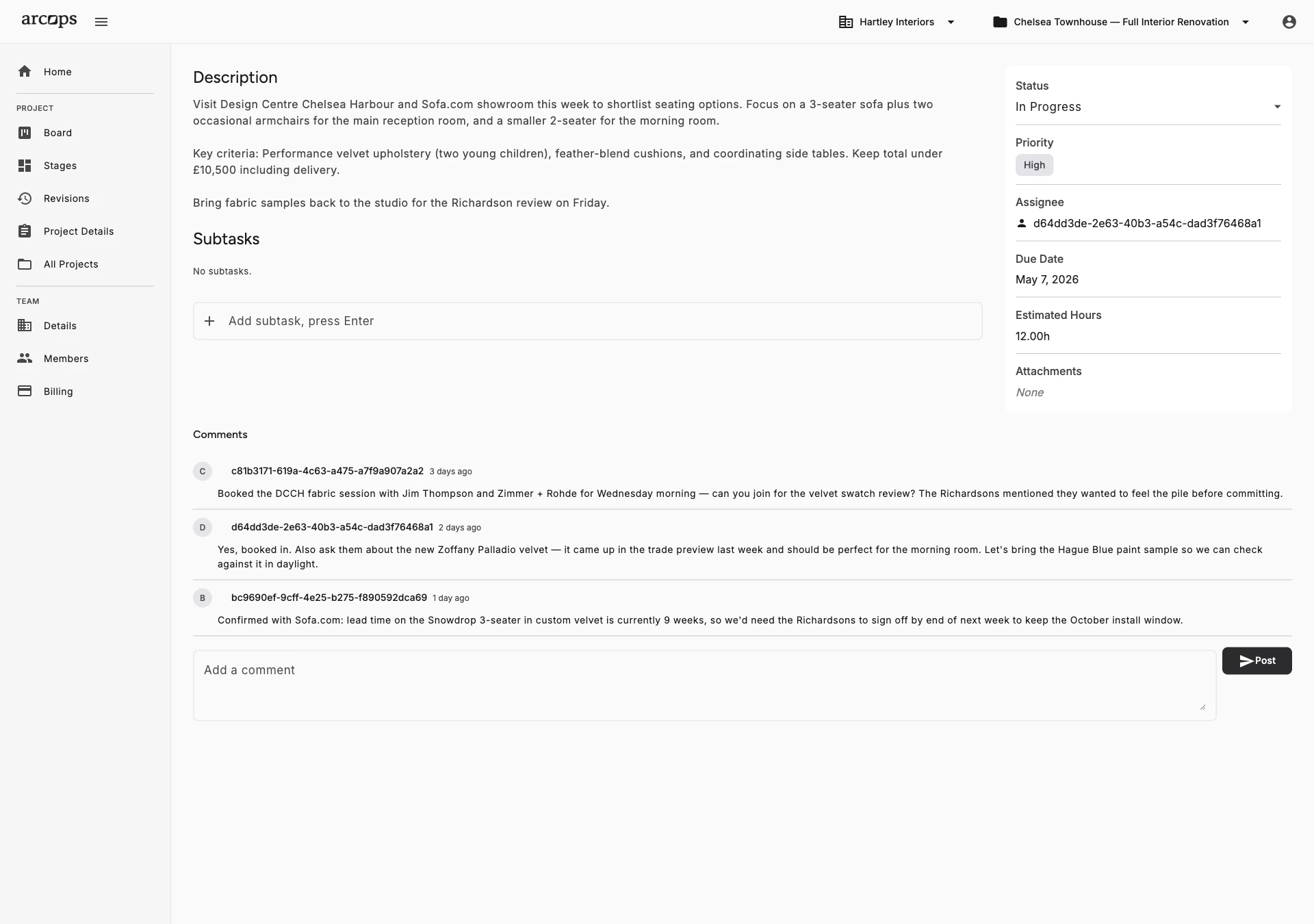
All team members see all projects, stages, and tasks — complete transparency across the studio
Filter by project status, team member, or stage to focus on what needs your attention right now
Start a new project or jump into any existing one directly from the dashboard
Frequently Asked Questions
All team members see all projects across the studio in the dashboard. Filter by project status, team member, or stage to focus on what matters.
Yes. Filter by project status, team member, client name, or current stage. Focus on what needs attention right now without scrolling through completed projects.
Yes. Project status, stage progress, and task assignments update in real time. When a designer completes a stage, it reflects on the dashboard immediately.
Yes. The team workload view shows what each designer is working on across all their assigned projects. Identify overloaded team members and redistribute work before deadlines slip.
The dashboard provides built-in views optimized for interior design studio management. Custom dashboard layouts and widgets are planned for a future release.