

One Designer Finds It, the Whole Team Benefits
Create shared product collections that every team member can browse, contribute to, and use in their projects. When one designer discovers the perfect velvet sofa supplier, the entire studio has access instantly. Stop sourcing the same products twice.
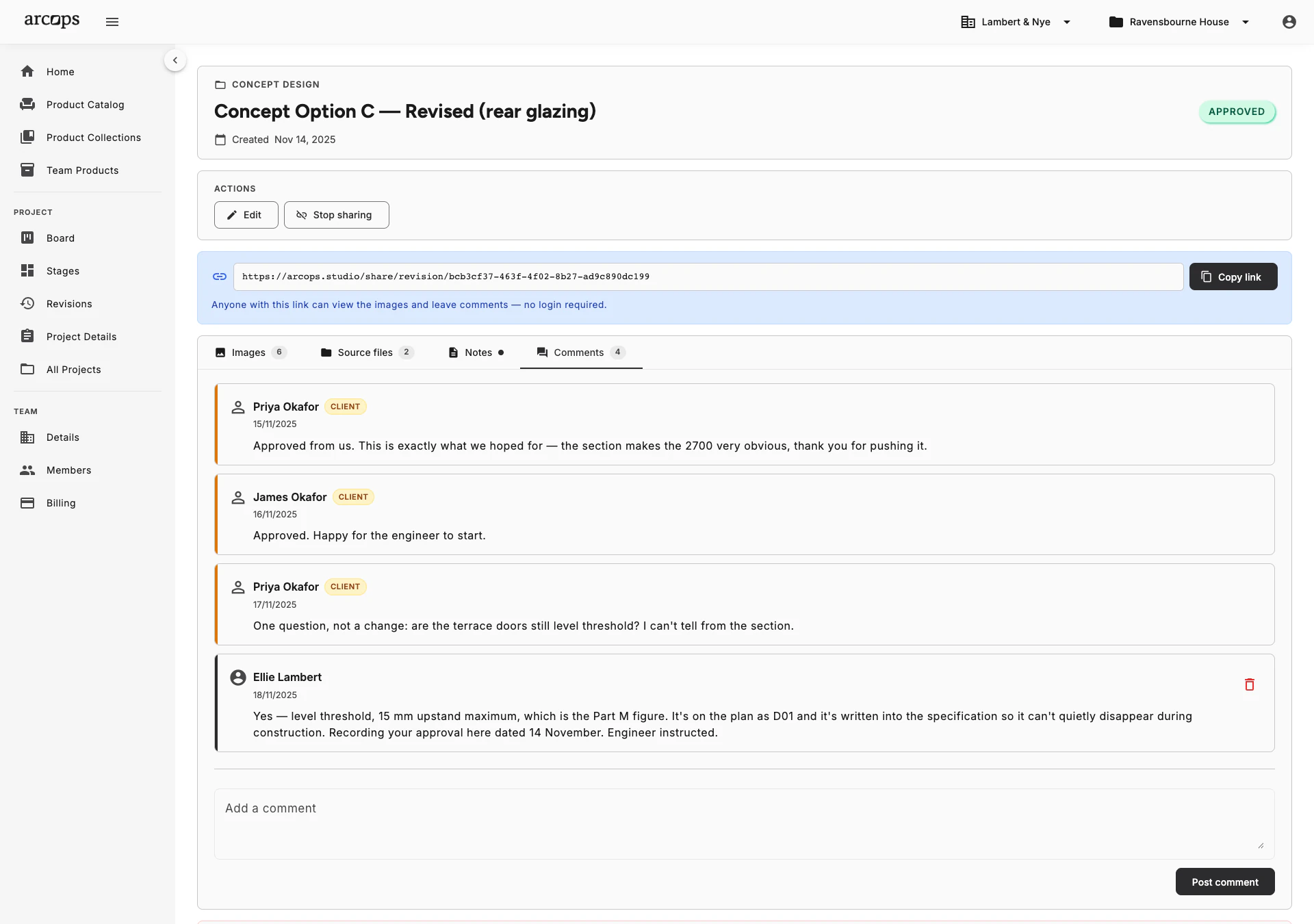
Create shared collections organized by category, style, or supplier. Every team member can browse, add products, and use them in their projects — building a shared knowledge base over time.
Your colleague already found the perfect pendant lamp last month. Without shared collections, you spend an hour finding the same product. With shared collections, it is already there — searchable and ready.
New designers joining your studio get instant access to months or years of curated product knowledge. No more asking colleagues for their favorite suppliers or re-sourcing products from scratch.
A Collection That Gets Better With Every Project
Every project your studio completes adds to your shared knowledge. Products that clients love, reliable suppliers, and go-to options for common requests — all captured in team collections that persist across projects and team members.
Organize collections however makes sense for your studio — by product category, room type, style, price range, or supplier. Each saved product includes full product data with images, prices, dimensions, and any notes your team has added.
Explore Multi-Project Dashboard →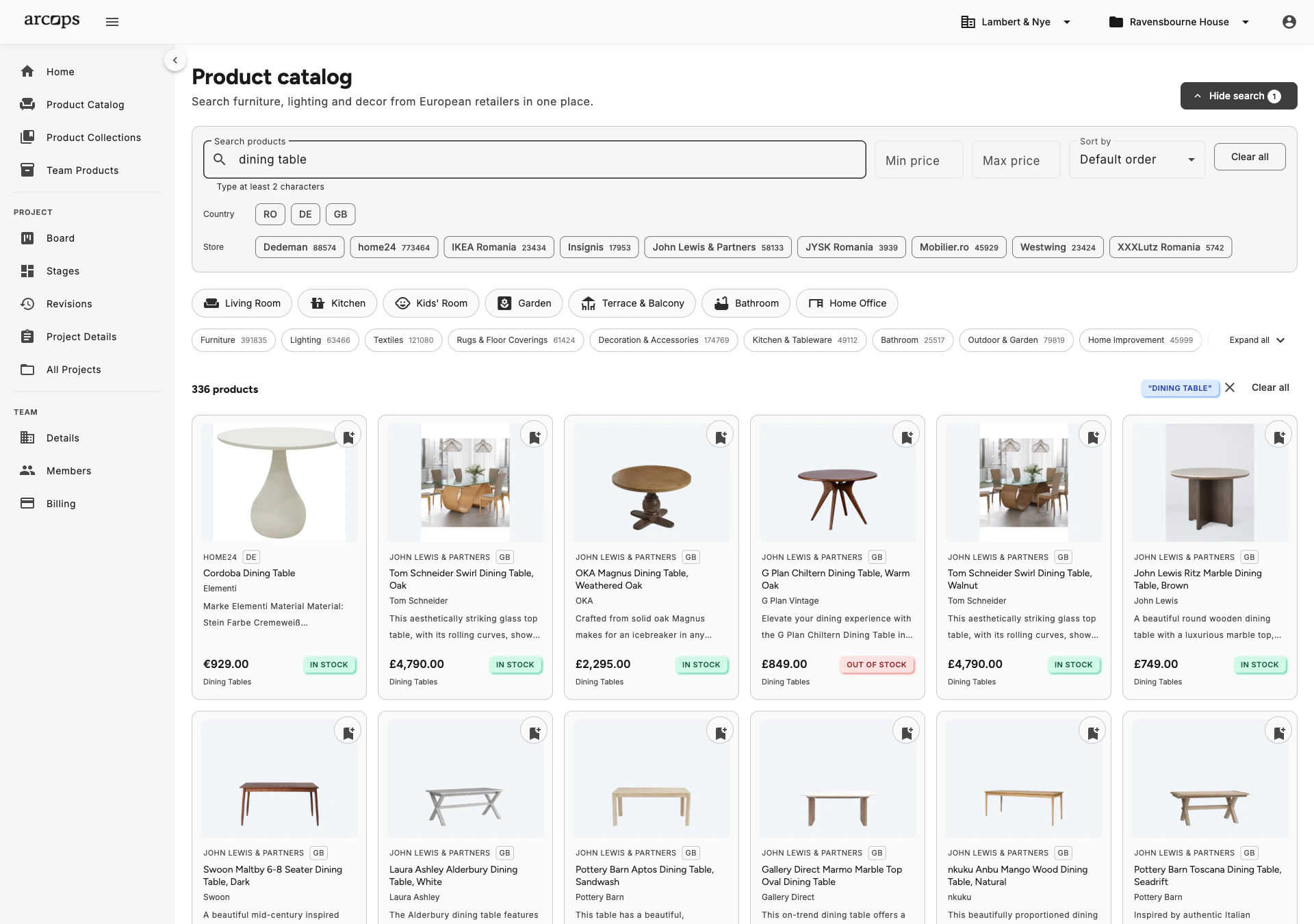
0%
Of team members can access shared product collections
0
Duplicate sourcing effort when the product is already in a team collection
0+
Retailer products saveable to shared team collections
Drag Products From Team Collections Into Any Project Stage
Browse team collections directly from the project workspace — no context switching needed
Add a saved product to a stage with one click, complete with pricing and supplier data
Collections stay synchronized — when product data updates, it reflects everywhere
Frequently Asked Questions
Every team member can browse, contribute to, and use products from team collections — the whole studio works from the same shared set.
Yes. Create as many collections as you need — by room type, style, supplier, price range, or any system that works for your studio. Collections are fully customizable.
Yes. Products in shared collections sync with retailer data. When prices or availability change, the collection reflects it automatically across all projects using those products.
Yes. A product in a team collection can be added to any number of projects. Each project gets its own copy, so per-project edits stay local, while the base product data stays synchronized.
To the studio. A collection belongs to your team workspace, not to a single project, so every project your studio runs draws on the same collections.