

Know Exactly What You’ll Earn on Every Interior Design Project
Most designers earn 20–40% of income from product markup but track it in spreadsheets or not at all. ArcOps shows your profit per product, per stage, and per project in real time.
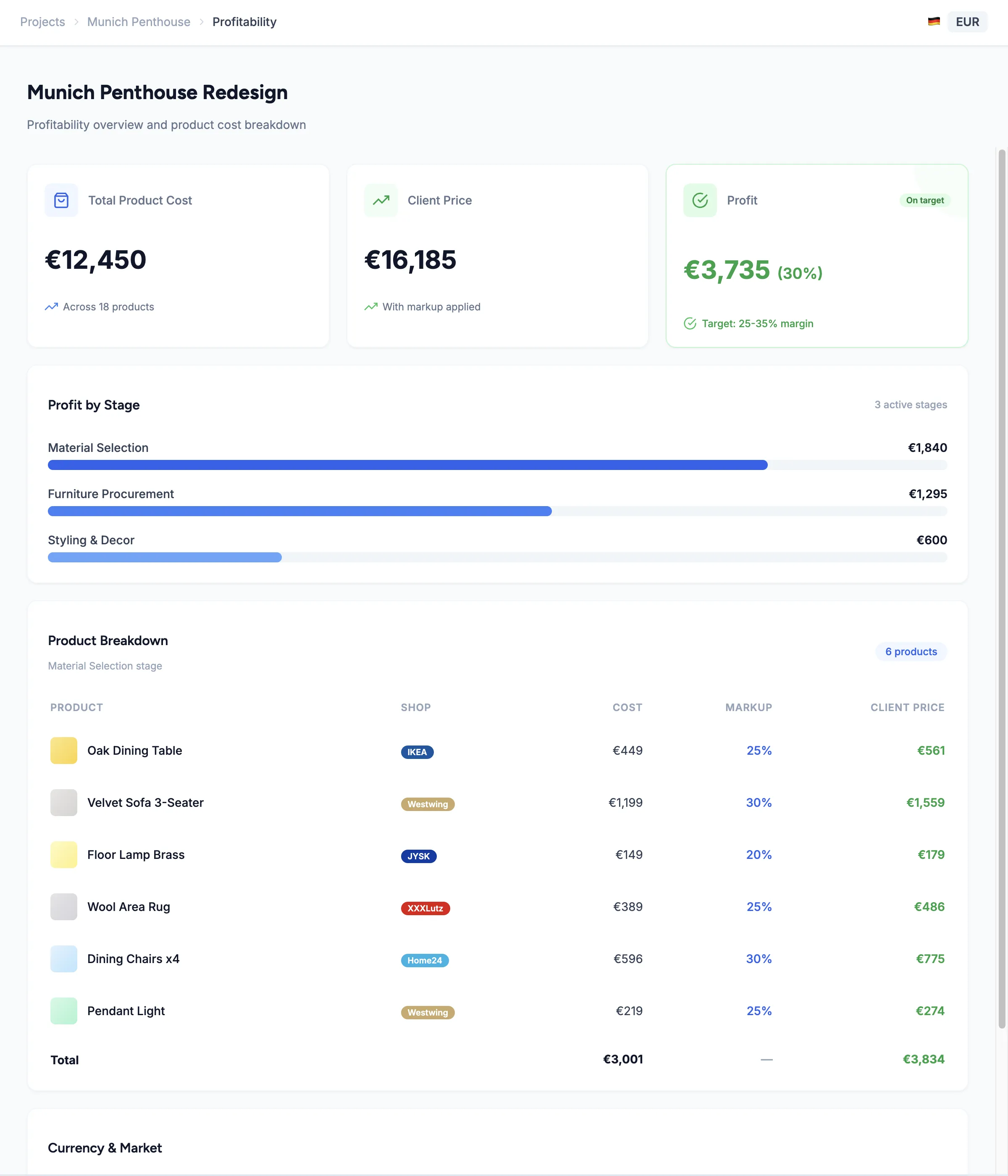
Set a percentage or fixed markup on every product. You’ll see your cost, the client price, and your profit instantly — and adjust anytime as selections change.
Track margins in your project’s currency. A German project will track in EUR, a UK project in GBP — no manual currency conversion needed.
You’ll generate professional proposals and reports showing client prices — export as CSV or PDF with your branding, and share directly or attach to client presentations.
Set It Once, See Your Profit Everywhere
For every product in your project, you’ll set a percentage markup or a fixed amount. ArcOps will instantly calculate the client price and your profit margin. Change a supplier price? Your margins will update automatically.
Profit will roll up from product to stage to project level. At any point, see exactly how much you’re earning on the entire project or drill down to individual items.
Explore Client Collaboration →0
Currencies supported — EUR, RON, and GBP with automatic margin calculation
0 click
To export profit reports as CSV or PDF
0%
Visibility into your earnings on every product and project
Markup Starts Where Product Sourcing Ends
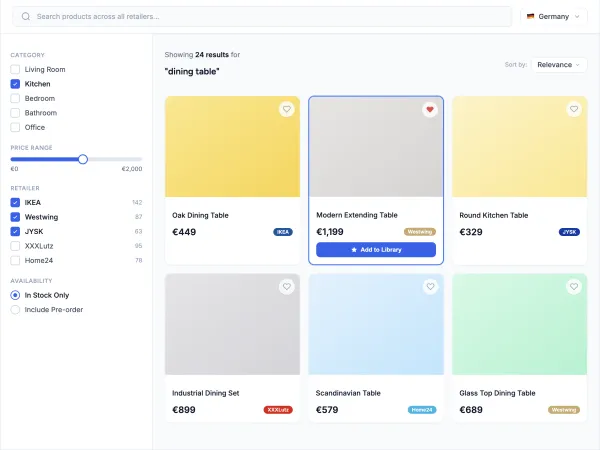
Products from your project will come with supplier prices — add your markup and see your profit instantly
Compare markup across alternatives before recommending to your client
Export profit reports for your accountant or business partner
Frequently Asked Questions
For every product in your project, you'll set a percentage or fixed markup. ArcOps will calculate the client price and your profit automatically. Margins will roll up from product level to stage level to project level, giving you complete visibility. Launching Q3–Q4 2026.
Yes. Each product will have its own markup — percentage or fixed amount. Set 30% on furniture but 50% on accessories, or use flat amounts. You'll have full control per item.
ArcOps supports EUR, RON, and GBP for project management today. When Profit Tracking launches, your project’s currency will determine how prices and margins are displayed — multi-currency projects will show everything in the project’s primary currency.
Yes. You'll generate professional reports showing client-facing prices (with your markup hidden) and export as CSV or PDF. Client proposals will show product selections with your final prices, not your cost.
Spreadsheets require manual entry, break when products change, and don’t connect to your actual project workflow. ArcOps will calculate margins automatically from sourced products, update in real time, and roll up from product to stage to project.