

How to Build a Reusable Product Library That Saves You Hours Every Project
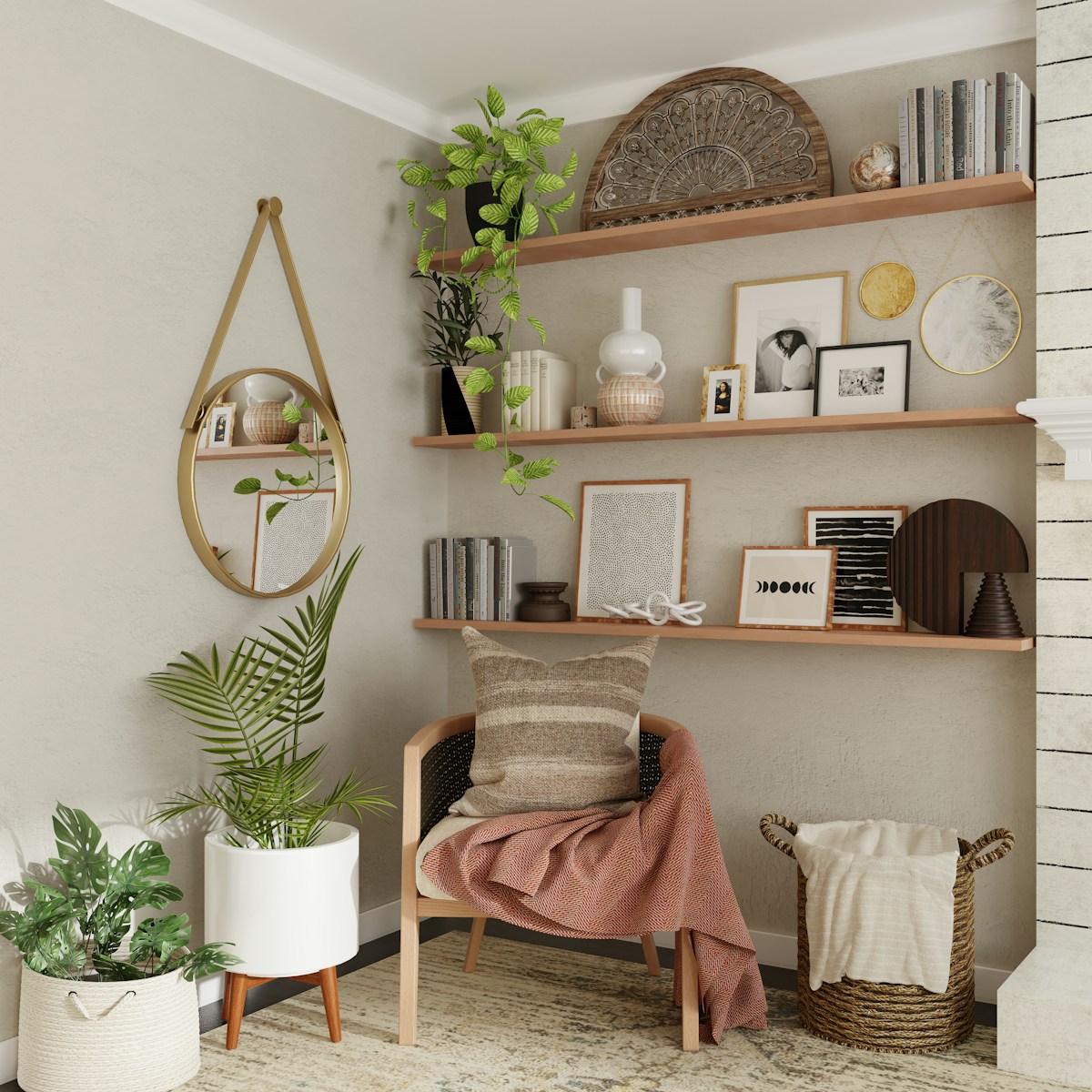
You've just finished a beautiful project—modern Scandinavian living room, neutral palette, €5,000 budget. Three months later, a new client asks for almost exactly the same style. But instead of pulling up your previous work, you're back on IKEA's website, re-browsing the same sofas you specified last time. You're scrolling through Westwing again, searching for that perfect oak coffee table you know you've used before. It feels like Groundhog Day, except you're billing yourself for the repetition.
This is the "starting from scratch" trap, and it's costing you hours every single project. The solution isn't working harder or faster—it's building a reusable product library that captures your best finds once and deploys them strategically across multiple projects. Think of it as your personal catalogue of curated, pre-vetted products organised by style, room type, and budget tier.
In this guide, you'll learn how to build, maintain, and leverage a designer product library that transforms product sourcing from a time drain into a strategic advantage. This isn't just about efficiency—it's about building an intellectual asset that makes your business more valuable, your client presentations faster, and your design process more consistent.
The "Starting From Scratch" Trap: Why You're Re-Sourcing Products You've Already Found
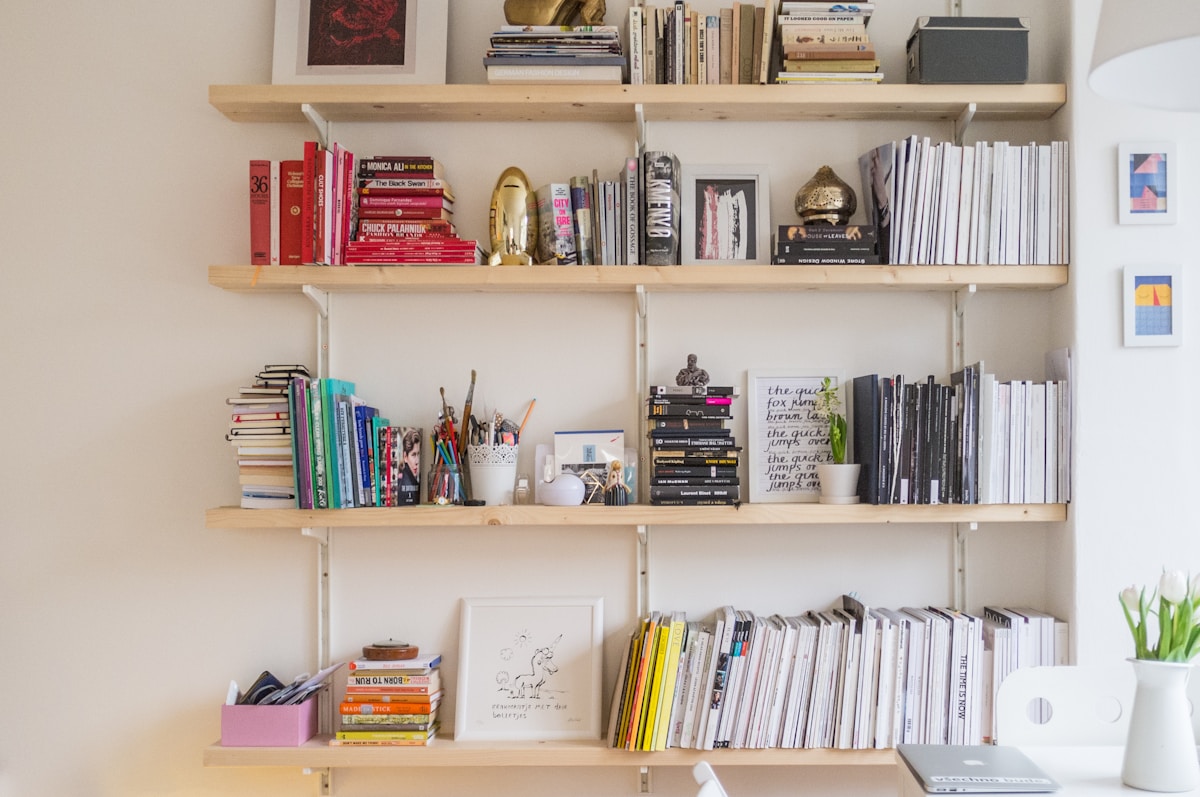
Picture this: You're working on a bedroom design for a young professional with a €3,000 budget. You need a mid-century wardrobe, linen bedding, and a statement pendant light. You spend 45 minutes browsing Made.com, bookmark a few options, compare prices on JYSK, check La Redoute for the bedding. Two hours later, you've got a solid product list.
Fast forward six weeks. New client, similar brief, similar budget. You know you found perfect products before, but where are they? They're buried in an old PDF somewhere, or lost in your browser history, or sitting in a mood board you can't quite locate. So you start again. Same websites, same browsing, same decision fatigue.
This pattern repeats itself project after project. You waste time re-sourcing products you've already researched, re-evaluating retailers you already know, re-making decisions you've already made. The knowledge is in your head, but it's not in your system. There's no searchable record, no organised catalogue, no way to quickly retrieve that perfect €400 sofa or that elegant €120 floor lamp.
The cost isn't just time—it's consistency, confidence, and competitive advantage. Without a product library, every project feels like reinventing the wheel. With one, you're building on proven foundations.
What a Product Library Actually Looks Like
A designer product library is exactly what it sounds like: a curated collection of go-to products organised by room, style, and price tier—like a personal IKEA catalogue, except it's built specifically for your design aesthetic and client base. It's not a random collection of things you've used once. It's a strategic resource of products you've tested, trusted, and would confidently specify again.
Your library might include 15 sofas across three style categories (Scandinavian, industrial, classic) and three price tiers (€500-€1,000, €1,000-€2,000, €2,000+). It might feature 20 dining tables organised by size, material, and retailer. It could contain a curated selection of 30 lighting fixtures, 25 rugs, 40 accessories—whatever reflects your most frequent project needs.
The key is organisation. A useful product library isn't just a folder of product images—it's structured around how you actually work. You should be able to filter by room type ("show me all bedroom products"), by style ("show me industrial lighting"), by price tier ("show me sofas under €800"), and by retailer ("show me everything from Westwing").
Each product entry should include the essential information you need to specify it: product name, retailer, current price, dimensions, materials, available colours, and a high-quality image. Some designers add personal notes: "Client favourite," "Fast delivery," "Discontinued—find replacement." Think of it as a living reference document that grows with your business.
How to Build Your Library Step-by-Step

Building a product library from scratch might sound overwhelming, but you don't need to catalogue hundreds of products on day one. Start small, start strategic, and build as you go. Here's how to approach it systematically.
Step 1: Define Your Category Structure
Begin by mapping out the product categories you specify most often. For most interior designers, this includes furniture (sofas, chairs, tables, beds, storage), lighting (ceiling, floor, table, wall), textiles (rugs, curtains, cushions, bedding), and accessories (mirrors, art, vases, decorative objects). Within furniture, you might break down further: dining tables, coffee tables, side tables, console tables.
Your category structure should mirror how you think about projects. If you mostly design living rooms and bedrooms, organise around those spaces. If you work across multiple style aesthetics, organise by style first, then room type. There's no universal right answer—the best structure is the one that makes intuitive sense to you.
Create a simple spreadsheet or document with your categories listed. You'll use this as your scaffolding. Don't overthink it—you can always add categories later.
Step 2: Set Product Selection Criteria
You can't include every product you've ever specified. Your library should be selective, featuring products that meet specific criteria. Here's a useful framework:
- Proven performance: You've specified it before, or it has strong reviews and reliable availability.
- Aesthetic fit: It aligns with your design style and client preferences.
- Price-value ratio: It offers good quality for the price tier it occupies.
- Availability: It's currently in stock, or reliably restocks, at a reputable retailer.
- Versatility: It works across multiple project types or styles (though some niche products are valuable too).
The goal is quality over quantity. A library of 200 well-chosen products is far more useful than 1,000 random items. You want pieces you'd confidently specify tomorrow, not products you used once and forgot about.
Step 3: Organise by Room Type, Style, Price Tier, and Retailer
Once you've defined categories and selection criteria, it's time to populate your library. Start by reviewing your recent projects. What products did you specify that you'd use again? What items did clients love? What pieces solved specific design challenges elegantly?
For each product, capture this information:
- Product name (exactly as listed by retailer)
- Retailer (IKEA, Made.com, Westwing, JYSK, La Redoute, etc.)
- Current price (in EUR)
- Dimensions (H × W × D)
- Materials
- Available colours/finishes
- Style tags (Scandinavian, industrial, classic, modern, etc.)
- Room type (living room, bedroom, dining, office, etc.)
- Price tier (budget, mid-range, high-end)
- Product URL
- Image (save a copy—websites change)
- Personal notes (delivery time, quality notes, client feedback)
A spreadsheet works well for this, with each row representing a product and columns for each attribute. You can filter and sort by any criteria. Alternatively, tools like Airtable or Notion offer more visual ways to organise collections with image previews and linked databases.
Tag products with multiple attributes. A mid-century oak coffee table might be tagged "living room," "Scandinavian," "modern," "mid-range," "Made.com," "wood," "coffee table." The more tags, the more ways you can search and filter later.
Step 4: Source Products Strategically
As you build your initial library, focus on filling gaps rather than duplicating options. If you already have five Scandinavian sofas under €1,000, you don't need a sixth. Instead, look for a mid-century option in the €1,500 range, or an industrial leather sofa for a different aesthetic.
Shop with intention. When you're browsing IKEA or Westwing for a current project, look beyond that specific brief. If you spot a beautiful dining chair that doesn't suit this client but would be perfect for future projects, add it to your library. You're building long-term infrastructure, not just solving today's problem.
Focus on retailers you trust and use frequently. If you specify from IKEA, Made.com, Westwing, JYSK, La Redoute, Maisons du Monde, and H&M Home regularly, prioritise products from those sources. You want consistency and reliability, not obscure one-off finds from retailers you've never worked with.
Maintaining Your Library: Keeping Prices Current and Replacing Discontinued Items
A product library is only useful if it's up to date. Nothing erodes client trust faster than presenting a product at €599 that now costs €899, or specifying a sofa that's been discontinued for six months. Maintenance is essential, and it doesn't have to be overwhelming if you build it into your workflow.
Set a quarterly review schedule. Every three months, dedicate an hour or two to checking your library:
- Update prices: Visit each retailer and verify current pricing. Price changes are inevitable, especially across seasonal sales or supplier adjustments.
- Check availability: Confirm products are still in stock. If something is "out of stock" or "no longer available," flag it for replacement.
- Replace discontinued items: When a product is permanently discontinued, find a comparable replacement. Look for similar style, similar price point, similar dimensions.
- Add new discoveries: Review products you specified in recent projects. Any standout finds worth adding?
Automate where possible. Some designers use browser extensions or price-tracking tools to monitor changes. Others set reminders to check high-turnover categories (like textiles and accessories) more frequently than furniture, which tends to stay in stock longer.
The key is consistency. A library that's 90% accurate and updated quarterly is infinitely more valuable than a perfect library you never touch after the first month. Build maintenance into your routine, and it becomes a simple habit rather than an overwhelming project.
Using Your Library to Speed Up Client Presentations

Here's where your product library pays dividends: client presentations that used to take four hours now take 45 minutes. Instead of starting from a blank canvas, you're starting from a curated collection of products you already know, trust, and can deploy immediately.
Imagine you've just completed a discovery call with a new client. They want a modern living room, neutral palette, €6,000 budget, delivery within eight weeks. In the past, you'd spend hours browsing, comparing, and compiling options. Now, you open your product library, filter by "living room," "modern," "mid-range price tier," and instantly see 40 pre-vetted products.
You select a sofa, coffee table, side table, rug, floor lamp, and accessories—all within 20 minutes. You drop them into a mood board template, add room context, include pricing, and you're done. The presentation is professional, accurate, and fast because you've front-loaded the research months ago.
Your library also enables you to create pre-approved product boards for repeat scenarios. If you regularly design Scandinavian bedrooms for young professionals with €4,000 budgets, you can assemble a "starter board" in your library that covers 80% of the brief. You present it, make minor tweaks based on client feedback, and move to procurement.
This speed doesn't compromise quality—it enhances it. You're presenting products you've already researched, not rushing through options you found 10 minutes ago. Your confidence shows, and clients feel it.
How ArcOps Transforms This Concept Into a Competitive Advantage
Manually managing a product library in spreadsheets or Notion is a huge step forward, but it still requires constant maintenance, manual price checks, and DIY organisation. ArcOps takes this concept and supercharges it with automation, live pricing, and intelligent organisation.
With ArcOps, you build your designer product library once—organised by room, style, price tier, and retailer—and the platform automatically monitors pricing across 50+ European retailers. When IKEA drops the price on that SÖDERHAMN sofa by €100, your library updates in real time. When Westwing discontinues a dining table, you're notified immediately.
Instead of quarterly manual checks, you have a living, breathing product library that stays current without your intervention. You can filter by any attribute, generate client-ready product boards in minutes, and share curated collections with clients directly through branded presentations. Your library becomes a dynamic, always-accurate asset rather than a static document you hope is still relevant.
The result? You spend zero time on maintenance and maximum time on design. Your clients see up-to-date pricing, current availability, and professional presentations. Your library scales with your business, growing smarter as you add more products and refine your collections. It's the difference between managing a personal catalogue and having a dedicated product research assistant working 24/7.
The Library as a Business Asset
Most designers think of a product library as a time-saving tool. It is—but it's also much more. A well-built product library is intellectual property, a competitive advantage, and a business asset that increases the value of your practice.
Consider what your library represents: years of product research, client feedback, supplier relationships, and design expertise distilled into a searchable, deployable resource. A new designer joining your team can onboard in days, not months, because they have immediate access to your curated collections. They don't need to learn which retailers you trust or which products perform well—it's documented.
Your library also drives consistency across projects. When multiple designers on your team specify from the same curated collection, your brand aesthetic remains coherent. Clients get the same quality and style whether they work with you or your junior designer. This consistency is what allows you to scale beyond solo practice.
From a business valuation perspective, a comprehensive product library makes your practice more attractive to buyers or investors. It's a tangible asset that demonstrates process, expertise, and scalability. It's proof that your business isn't just "you"—it's a system that can operate and grow independently.
Finally, your library is a marketing asset. You can feature curated product collections on your website, share "Designer Picks" on social media, or offer library access as a premium service for DIY clients. Your expertise becomes visible and marketable, not just locked in your head or buried in project files.
Key Takeaways

- A product library is a curated collection of go-to products organised by room, style, price tier, and retailer—like a personal catalogue built for your design aesthetic.
- Start small and strategic: define categories, set selection criteria, and build as you go. A library of 200 well-chosen products is more valuable than 1,000 random items.
- Organise products with multiple tags (room type, style, price tier, retailer, materials) so you can filter and search flexibly based on project needs.
- Maintain your library quarterly: update prices, check availability, replace discontinued items, and add new discoveries from recent projects.
- Your library speeds up client presentations by turning four-hour sourcing sessions into 45-minute product selections from pre-vetted collections.
- A product library is a business asset: it's intellectual property, a training resource, a consistency tool, and a competitive advantage that makes your practice more scalable and valuable.
- Automation transforms maintenance: platforms like ArcOps eliminate manual price checks and availability monitoring, keeping your library accurate in real time across 50+ retailers.
Frequently Asked Questions
How many products should I include in my library?
There's no magic number, but quality trumps quantity every time. Start with 100-200 products covering your most frequent project needs—sofas, tables, chairs, lighting, rugs, and key accessories. Focus on pieces you'd confidently specify tomorrow. As you work on more projects, your library will grow naturally. A focused library of 300 well-curated products is far more useful than a bloated collection of 2,000 items you never use.
How do I keep my product library organised as it grows?
Tagging and filtering are your best friends. Tag each product with multiple attributes: room type, style, price tier, retailer, material, colour family. Use a spreadsheet or database tool (Airtable, Notion, or a platform like ArcOps) that lets you filter by any combination of tags. Create saved views for common scenarios—"Scandinavian living room, mid-range," or "Industrial bedroom, budget"—so you can instantly pull up relevant products without scrolling through everything.
What if a product I love gets discontinued?
Discontinuations are inevitable, especially with fast-moving retailers. When a product is discontinued, replace it with the closest alternative. Look for similar style, similar price point, and similar dimensions. Update your library notes to indicate the replacement and why you chose it. Over time, you'll build institutional knowledge about which retailers have stable product lines and which turnover frequently, helping you prioritise more reliable sources.
Should I share my product library with clients?
It depends on your business model. Some designers share curated "starter collections" as part of their consultation process, especially for DIY clients who want guidance. Others keep their full library internal, using it to generate client-specific product boards. Your library is valuable intellectual property—consider whether sharing it adds value to your service or undermines your expertise. A middle ground is sharing product recommendations within the context of a paid design or e-design service, not as a standalone resource.
How is a product library different from Pinterest or mood boards?
Pinterest and mood boards are inspirational—they capture aesthetic ideas and visual concepts. A product library is operational—it captures shoppable, buyable, currently-available products with accurate pricing, dimensions, and retailer links. Pinterest shows you a beautiful living room; your product library tells you exactly which €750 sofa from Made.com will recreate that look for your client. Mood boards inspire; product libraries execute. You need both, but they serve different purposes in your design process.
Ready to stop re-sourcing the same products every project? Start building your product library today, one category at a time. And when you're ready to eliminate manual price checks and availability updates entirely, explore how ArcOps keeps your library accurate in real time across 50+ European retailers—so you can focus on design, not admin.
Related resources:
- Our product sourcing guide – How to find high-quality furniture and décor across European retailers
- Our mood board guide – Creating client presentations that win projects
- Our time management guide – Reclaiming hours from repetitive design tasks