

The Interior Designer's Guide to Creating Product Boards Clients Love
Meta description: Learn to create interior design product boards with real pricing, sourcing details, and purchase links — helping clients approve faster and buy with confidence.
You've just had a brilliant mood board presentation. Your client loves the colour palette, the textures, the overall direction. Then comes the question that derails the momentum: "Great — so what exactly are we buying, and how much will it cost?"
Suddenly you're scrolling through browser tabs, pulling up IKEA product pages, referencing a Google Sheet with prices you saved last week, and trying to remember whether that Westwing side table was the oak or walnut finish. The gap between "we love the vision" and "let's actually purchase these items" is where projects stall — sometimes for weeks.
The missing piece is an interior design product board: a document that bridges your creative vision and the practical business of buying furniture. Unlike a mood board, a product board is a curated, purchasable selection of every item for a room — with real prices, real retailers, real dimensions, and real availability. It's the document that turns client excitement into client action.
Mood Board vs. Product Board: What Each Does and When You Need Both

Most designers use the terms interchangeably, but mood boards and product boards serve entirely different purposes. Understanding the distinction saves you time and prevents client confusion.
A mood board captures feeling. It's a collection of inspirational images, colour swatches, and atmospheric photographs that communicate the aesthetic direction. Mood boards answer: "What will this room feel like?" They're deliberately loose and aspirational.
A product board captures reality. It's a structured presentation of specific, purchasable products — each with a product image, name, retailer, price, dimensions, and quantity. Product boards answer: "What exactly are we buying, and what will it cost?"
| Mood Board | Product Board | |
| Purpose | Establish aesthetic direction | Specify exact products for purchase |
| When to present | Concept stage (before sourcing) | Material selection stage (after direction is approved) |
| Level of detail | Inspirational, loose | Specific, precise |
| Pricing | Optional or approximate | Required and exact |
| Products shown | Aspirational examples | Actually purchasable items |
| Client action | "Approve the direction" | "Approve these purchases" |
| What happens next | Designer sources real products | Procurement begins |
The mistake many designers make is combining both into one document. Keep them separate, present them sequentially, and your clients will always know exactly what they're approving at each stage.
For a deeper dive into the inspiration side, our guide to creating mood boards clients actually understand covers techniques that bridge aspiration and reality during the concept stage.
The Anatomy of an Interior Design Product Board

A well-structured product board contains specific information for every item. Skip any of these elements and you'll create gaps that slow down decisions or cause procurement problems.
Product image. A clean, high-resolution photograph on a white or neutral background. If you're pulling images from IKEA, Westwing, or Maisons du Monde, use the product's studio photograph rather than the styled room shot.
Product name and code. The exact name and SKU as listed by the retailer. "SODERHAMN 3-seat section, Samsta dark grey" is useful. "Grey sofa" is not. Product codes prevent confusion when your client visits the showroom to see the item in person.
Retailer name. Always specify where each product comes from — IKEA, JYSK, Westwing, or a trade supplier. Each retailer has different delivery, return, and warranty policies.
Price. The current retail price in EUR, including VAT. If delivery costs are additional, note that separately.
Dimensions. Width, depth, and height for furniture. Diameter and drop length for lighting. Missing dimensions are the single most common reason clients hesitate on approvals, because they can't visualise whether the piece fits their space.
Quantity. How many of each item the room requires. Two bedside tables, four dining chairs, three cushions. Omitting quantities makes it impossible for clients to calculate total costs.
Alternative option. For anchor pieces (sofas, dining tables, beds), include one alternative at a different price point. Label your primary recommendation clearly: "Recommended" vs. "Alternative."
Beyond these essentials, consider including material and finish details (fabric composition, wood type), delivery estimates (a 3-week IKEA delivery versus a 12-week custom Westwing order), and availability status ("In stock," "Low stock — 3 remaining," or "Made to order").
Your product boards should work as hard as your designs do. ArcOps is building a platform where you can assemble product boards with live pricing from 50+ European retailers — no more manual price checks or broken product links. Join the Waitlist — Free
Design Principles for Professional Interior Design Product Boards
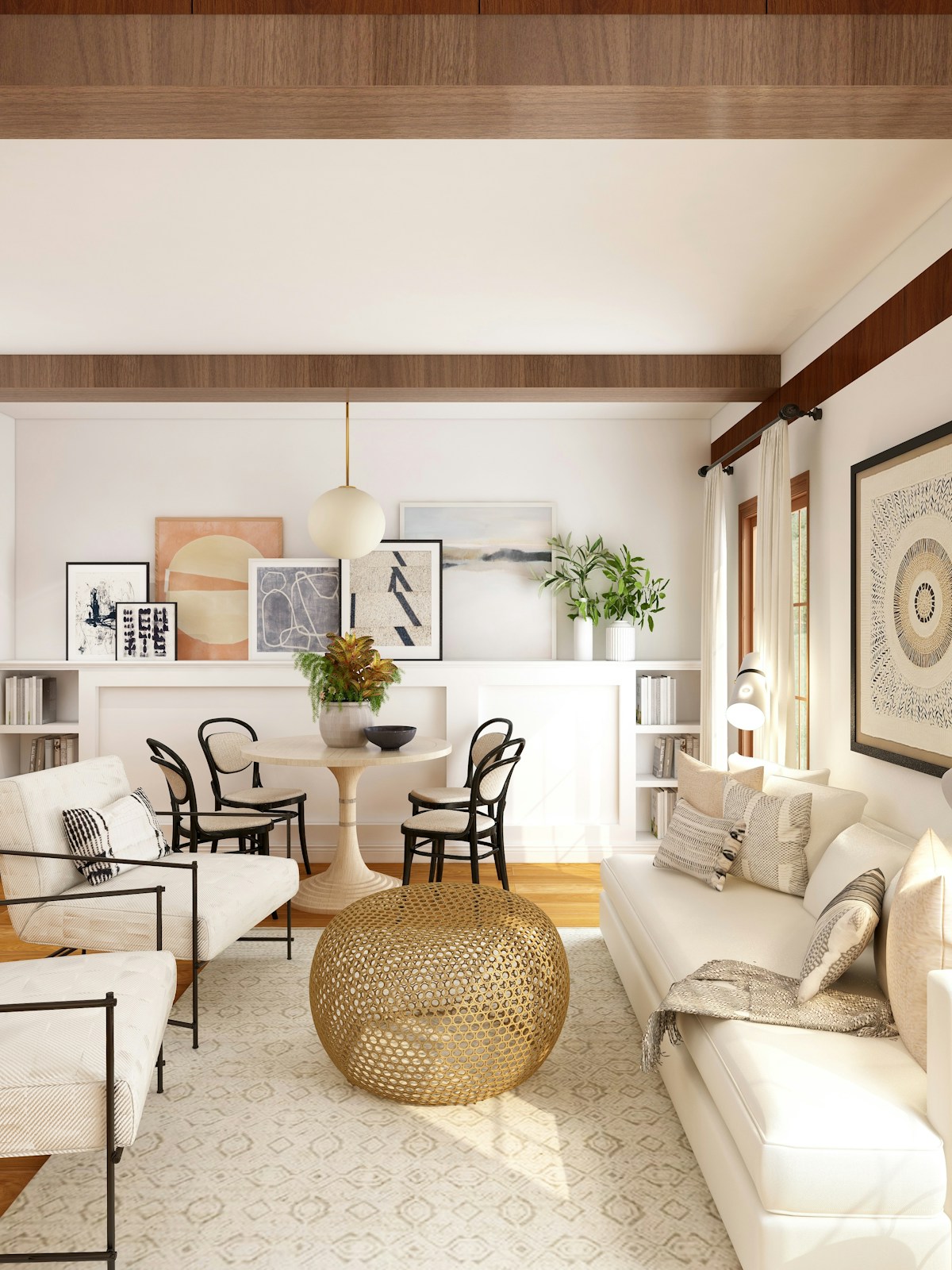
A product board packed with the right information but presented poorly still fails. Visual design matters because it signals professionalism — and clients absorb structured layouts faster than cluttered ones.
Use a consistent grid layout. Arrange products in a clean grid with equal spacing. Each product "card" should follow the same format: image on top, name and retailer below, price and dimensions at the bottom. A typical grid works well at 3-4 items per row on landscape, 2-3 on portrait. Consistency is more important than creativity here.
Maintain consistent photography. If one product has a professional studio shot and another has a grainy lifestyle image, the board feels disjointed. IKEA, JYSK, and Maisons du Monde all provide solid product photography — use it.
Create clear visual hierarchy. Your anchor piece (the sofa, the dining table) should be visually prominent — a larger image or positioned at the top. Supporting items can be smaller. Guide your client's eye through the board in the same order you'd walk them through the space.
Group by room zone or category. For a living room, group by zone: "Seating Area," "Media Wall," "Reading Corner." Or group by category: "Furniture," "Lighting," "Textiles." Use clear section headings so your client can jump to any section weeks later.
Including Pricing: Transparent vs. Bundled Approaches

How you handle pricing depends on your business model and client relationship. Here are the trade-offs.
Transparent Pricing (Retail Price + Your Fee)
You show the retailer's actual price, then add your fee as a separate line item:
| Item | Retailer Price | Your Fee | Client Total |
| SODERHAMN sofa (IKEA) | €899 | €90 | €989 |
| STOCKHOLM coffee table (IKEA) | €349 | €35 | €384 |
| Arc floor lamp (Westwing) | €189 | €19 | €208 |
Transparent pricing builds trust. Your client sees exactly what the product costs and what they're paying you. The risk? Some clients will wonder why they can't buy products themselves.
Bundled Pricing (Single Client Price)
You show one price per product that includes your markup. Bundled pricing is simpler and avoids fee negotiations. The risk? If your client Googles the product and sees a lower price, trust erodes quickly.
The Hybrid Approach
Many experienced European designers show retail prices on the product board but charge procurement fees as a separate project line item. The board stays clean, and your fee is agreed in the contract rather than debated per product.
Whatever you choose, be consistent across the entire product board. Our guide to interior design client presentations covers how to frame pricing discussions for clarity and confidence.
Making Your Product Board Actionable

A beautiful product board still falls short if your client doesn't know what to do with it. The best product boards function as procurement-ready documents that you or your client can act on immediately after approval.
Add direct purchase links. Every product should link directly to the retailer's product page — not the homepage, not a category page. One click should take your client from your board to the retailer's checkout.
Include delivery estimates. A set of JYSK dining chairs might deliver in five days, while a custom Westwing sofa takes eight weeks. This helps clients plan their timeline and prevents the "Where's my sofa?" conversation two weeks into a twelve-week lead time.
Show availability status. "In stock," "Low stock — 4 remaining," or "Made to order." Availability information creates appropriate urgency — practical information that helps clients make timely decisions.
Add a summary section. At the bottom, include total items, total estimated cost, delivery costs, items with lead times over four weeks, your procurement fee, and total project cost. Your client shouldn't have to add up prices mentally. The easier you make approval, the faster it happens.
Product boards that work as procurement documents save you hours of back-and-forth. ArcOps connects your product selections directly to European retailers with live pricing and availability — so your boards are always accurate. Join 300+ designers already on the waitlist. Reserve My Spot
Digital Product Boards vs. PDF: Why Interactive Boards Outperform Static Files
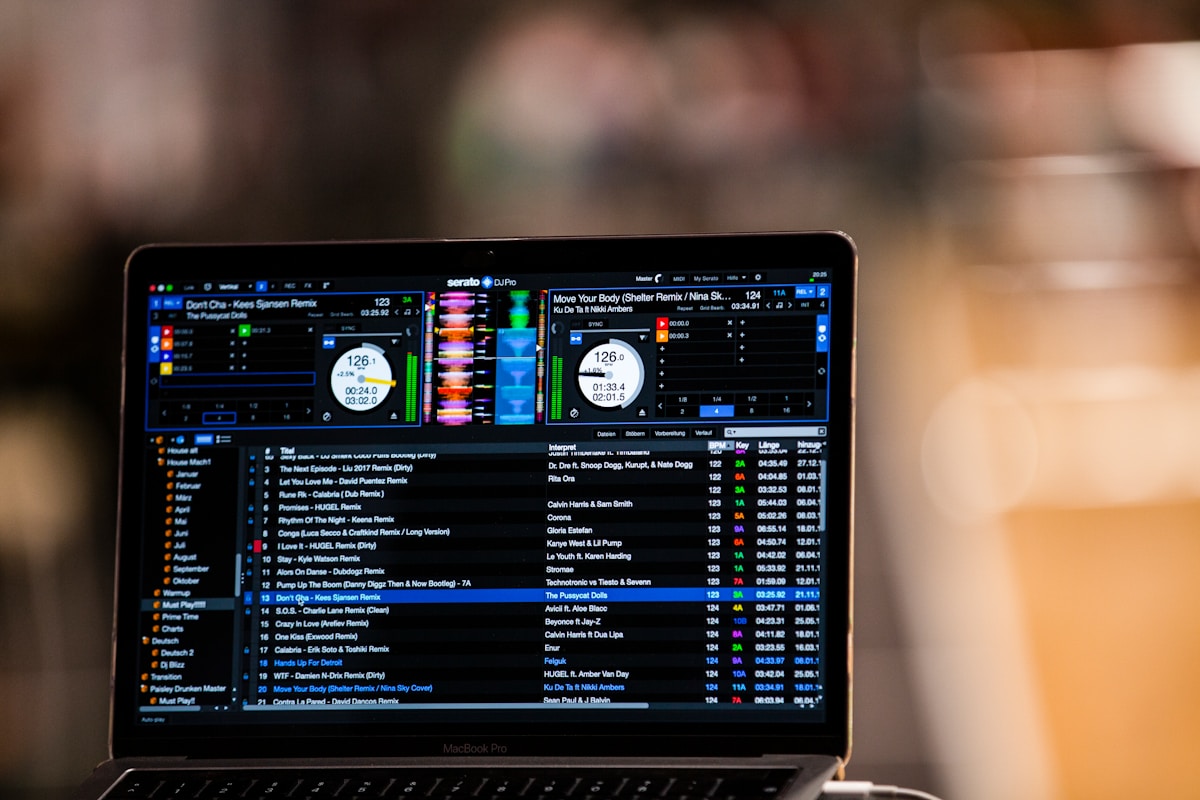
Most designers still default to PDFs — and it's costing them time, accuracy, and client confidence.
PDFs become outdated the moment you export them. That IKEA sofa was €899 on Monday. By Thursday, a promotion dropped it to €749. Every price change or stock update requires you to manually update and re-export.
Version control is a nightmare. "Product_Board_v3_FINAL_REVISED.pdf" — sound familiar? Your client might be looking at version 2 while you're referencing version 4. Nobody is confident they're looking at the latest selection, and miscommunication leads to purchasing errors.
Static boards can't carry interactive elements. No clickable purchase links on a printed PDF. No real-time stock levels. No inline client feedback.
Digital, shareable product boards solve all three problems. A shareable link is always the current version. Clickable product links take your client directly to the retailer. Mobile optimisation means the board looks great on phones — where over 60% of clients will first view it. And analytics show you when your client opened the board and how long they spent reviewing.
Where ArcOps Fits In
ArcOps is building shareable digital product boards specifically for European interior designers. Add products from IKEA, Westwing, JYSK, Maisons du Monde, or any of 50+ European retailers, and the platform pulls current pricing and availability automatically. Your product board stays accurate without manual price checks.
Your client receives a beautiful, branded link — no app download, no login. They browse, leave comments on specific items, and see total project cost in real time. When they approve, those same products flow directly into your procurement workflow.
ArcOps is launching in 2026 with a free tier and a Starter plan at EUR 19/month — a fraction of what US-focused tools like Houzz Pro charge. For designers already managing their own reusable product library, a platform-based approach keeps prices live across every product you've ever saved.
Key Takeaways
- A product board is fundamentally different from a mood board — it's a structured, purchasable selection of specific products with prices, retailers, dimensions, and quantities
- Every product entry needs seven elements: product image, name/code, retailer, price, dimensions, quantity, and at least one alternative for anchor pieces
- Design your product board with consistent grids, clean photography, and clear visual hierarchy — professionalism in presentation signals professionalism in your work
- Choose a pricing approach (transparent, bundled, or hybrid) and apply it consistently — clients tolerate any model as long as it's clear
- Make your product board actionable with direct purchase links, delivery estimates, availability status, and a total cost summary
- Digital, shareable product boards outperform static PDFs because they stay current, support interaction, work on mobile, and eliminate version chaos
Stop building product boards that are outdated before your client opens them. ArcOps gives you shareable, always-accurate product boards with live pricing from 50+ European retailers — beautiful enough to impress clients, detailed enough to drive procurement. Launching 2026. Get Early Access
Frequently Asked Questions
How many products should I include on a single product board?
Include every product needed to fully furnish the room — typically 12-20 items for a living room, 8-14 for a bedroom, and 6-10 for a dining area. The goal is completeness, not minimalism. If the list exceeds 25 items, split into sub-boards by zone to keep each one digestible.
Can I combine a mood board and product board into one document?
You can, but you probably shouldn't. A combined document tends to be too vague for purchasing but too detailed for inspiration. Present them sequentially: mood board first for aesthetic approval, then product board to confirm specific purchases.
What if a product goes out of stock before the client approves?
This is one of the biggest advantages of digital product boards. With a live, shareable board, you update the item immediately and your client sees the current version. Always identify backup options for anchor pieces when building the board, especially from high-turnover retailers like IKEA and Maisons du Monde.
Should I include my procurement fee on the product board?
The trend among successful European designers leans toward transparency. Show retail prices on the board and reference your procurement fee in the summary or contract. If a client sees "SODERHAMN sofa — €899 (IKEA)" and finds the same price online, trust is reinforced. If they see an inflated price and discover the difference later, trust is damaged.
How often should I update product boards during a project?
Update whenever a material change occurs: a product goes out of stock, a price shifts significantly, or the client requests a substitution. For active projects, review weekly to catch availability issues early. Digital boards with live pricing handle much of this automatically.