

Role-Based Access Is on the Roadmap
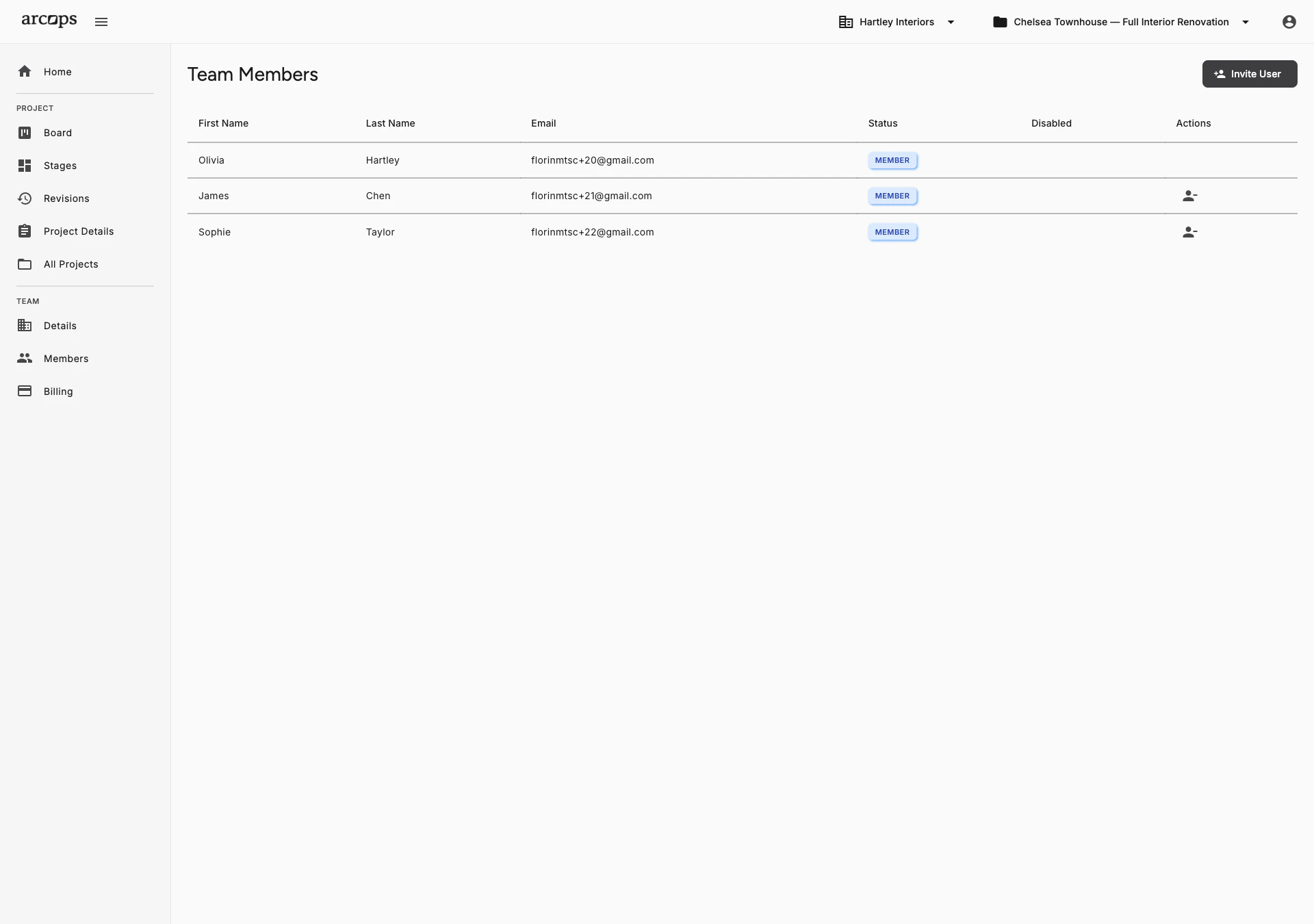
We’re building role-based access control so studios can define who sees what. Today, all team members have full access to all projects, stages, and tasks within their workspace — which works well for studios of 2–20 people where transparency is valued.
Full studio control — manage team members, billing, all projects, and studio settings. Admins will see everything and configure permissions.
Full access to assigned projects — task boards, client sharing, and sourcing. Designers will focus on their work without seeing billing or team management.
Limited access to assigned tasks and stages. Assistants will handle specific work items without seeing full project details.
Full Team Collaboration From Day One
Today, every team member has full access to all projects, stages, and tasks. This works well for studios where transparency and shared context are valued — which is most studios under 20 people.
Invite team members with a single link. They join instantly and start collaborating on projects, tasks, and client presentations. When role-based access launches, you'll be able to restrict visibility — but for now, your whole team sees everything.
Explore Shared Collections →0
Link to invite any colleague — they join your workspace instantly
0 click
To invite a new team member to your studio workspace
0%
Of projects and stages visible to every team member — full transparency
Invite Team Members With One Email
Today: send an invitation link and new members join your studio workspace instantly with full access
When roles launch: assign Admin, Designer, or Assistant roles at invitation time and change them later
Remove access immediately when a team member leaves the studio — works today
Frequently Asked Questions
Today, all team members have full access to all projects, stages, and tasks within your studio workspace. This works well for teams where transparency and shared context are valued. When role-based access launches, planned roles will include Admin (full studio control), Designer (project-focused access), and Assistant (task-only access).
Role-based access is on our product roadmap. We’ll share timing as development progresses. Today, all team members collaborate with full workspace access — invite with a link and everyone sees everything instantly.
Custom roles with configurable permissions are planned for a future release. The initial role-based access update will provide three built-in roles optimized for interior design studios: Admin, Designer, and Assistant.
Their access is revoked immediately. They can no longer view any projects, tasks, or studio data. Their historical contributions (task completions, product additions) remain in the project records.
When role-based access launches, the planned Assistant role will see only the tasks and stage content assigned to them. Today, all team members have full access to everything in the workspace.